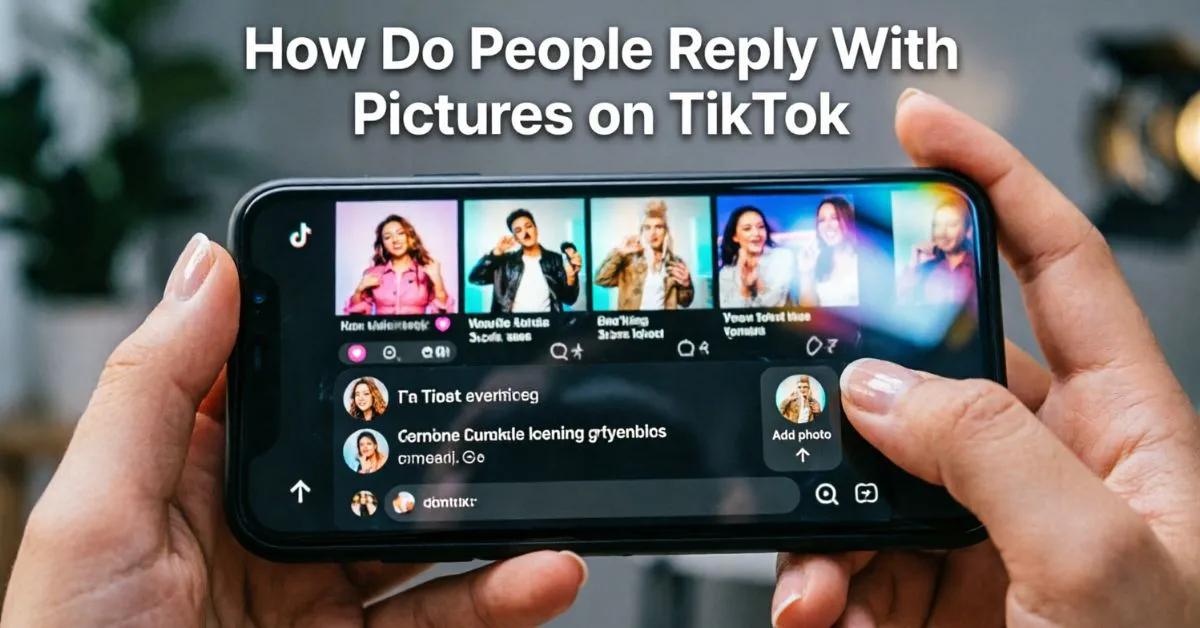
Have you ever seen someone Reply With A Picture On TikTok and wondered how they did it? If yes, you are not alone. Many TikTok users want to make their conversations more fun, creative, and personal. A photo reply can say much more than plain text.
The good news is that TikTok offers several ways to respond with images. Whether you want to react to a comment, answer a friend, share a meme, or post visual content, there are simple methods you can use.
These features help users create engaging interactions and build stronger connections with followers. In this guide, you’ll learn exactly how do people reply with pictures on TikTok, the available options, common limitations, and the best practices for using photo replies.
By the end, you’ll know how to use TikTok’s visual communication tools like a pro.
What Does Replying With Pictures on TikTok Mean?
Replying with pictures on TikTok means responding to someone using an image instead of only text.
Users often use pictures to:
- Answer questions visually
- Share screenshots
- Post funny memes
- React to comments
- Show products or items
- Add context to a conversation
Visual replies often get more attention because people process images faster than text.
Why Are Picture Replies Popular?
Picture replies help users:
- Express emotions better
- Increase engagement
- Make conversations more interactive
- Create unique content
- Grab viewer attention quickly
According to social media studies, visual content generally receives higher engagement than text-only content because users naturally respond faster to images.
Can You Reply With Pictures on TikTok?
Yes, but there are some limitations.
TikTok does not allow picture replies everywhere on the platform.
The available options depend on:
- Your account type
- App version
- Feature availability in your region
- Whether TikTok has enabled certain updates
However, there are several methods users commonly use to reply with pictures.
How Do People Reply With Pictures on TikTok?
Here are the most common ways TikTok users reply with pictures.
Method 1: Reply Using a Photo Video
This is the most popular method.
Steps:
- Open TikTok.
- Find the comment you want to reply to.
- Tap and hold the comment.
- Select “Reply with Video.”
- Upload a picture from your gallery.
- Add text, stickers, or effects.
- Post the video reply.
Although it is technically a video reply, many users upload a single image that appears as a photo response.
Why This Method Works
- Easy to create
- Official TikTok feature
- High visibility
- Appears directly connected to the comment
Replying To Comments With Pictures
Many creators use photos when answering questions from followers.
For example:
A follower asks:
“What shoes are those?”
Instead of typing a long answer, the creator uploads a picture showing the shoes and responds through a video reply.
This creates a more engaging experience for viewers.
Benefits
- Visual explanation
- Better audience understanding
- Increased watch time
- More interaction
How To Use TikTok Photo Mode For Replies
TikTok’s Photo Mode allows users to create slideshow-style posts using images.
Steps
- Tap the “+” button.
- Select photos from your gallery.
- Choose Photo Mode.
- Add captions and text.
- Mention the person you are replying to.
- Publish the post.
Many creators use this method when direct picture replies are unavailable.
Best Uses
- Product recommendations
- Tutorials
- Before-and-after images
- Event photos
- Visual storytelling
Using Direct Messages To Reply With Pictures
Another way people reply with pictures on TikTok is through direct messages.
How to Send a Picture in TikTok Messages
- Open TikTok inbox.
- Select a conversation.
- Tap the image icon.
- Choose a photo.
- Send the image.
This method works best for private conversations.
When to Use DM Picture Replies
- Private discussions
- Sharing screenshots
- Sending personal reactions
- Customer support conversations
How Creators Use Picture Replies For Engagement
Successful creators often use picture-based responses to connect with followers.
Common Examples:
Product Reviews
Creators upload photos showing products in detail.
Tutorial Responses
Instead of writing instructions, they use screenshots.
Meme Reactions
Funny image replies often receive strong engagement.
Fan Appreciation
Creators share screenshots of comments and reply visually.
These techniques make audiences feel noticed and valued.
Best Types of Pictures To Use In TikTok Replies
Not all images perform equally well.
High-Performing Image Types
Screenshots
Useful for tutorials and explanations.
Memes
Great for entertainment.
Product Photos
Perfect for reviews and recommendations.
Infographics
Help explain information clearly.
Personal Photos
Build authenticity and trust.
Tips For Creating Better Picture Replies
To maximize engagement, follow these best practices.
Use High-Quality Images
Blurry photos can reduce engagement.
Add Text Overlays
Text helps viewers understand your message quickly.
Keep It Relevant
Always make sure the image relates to the original comment.
Use TikTok Editing Tools
Enhance photos with:
- Stickers
- Filters
- Effects
- Captions
Include a Call to Action
Ask viewers:
- What do you think?
- Have you tried this?
- Let me know in the comments.
Common Reasons You Cannot Reply With Pictures on TikTok
Some users do not see photo reply options.
Possible Causes
Outdated App Version
Update TikTok to the latest version.
Regional Restrictions
Some features roll out gradually.
Feature Testing
TikTok often tests features with selected users first.
Account Limitations
New accounts may not have access to every feature.
How to Fix It
- Update TikTok
- Clear app cache
- Log out and back in
- Reinstall the app
- Wait for feature rollout
TikTok Reply With Pictures vs Video Replies
Many users wonder which option is better.
| Feature | Picture Reply | Video Reply |
| Easy to Create | Yes | Moderate |
| Engagement | Good | Excellent |
| Creativity | Moderate | High |
| Visibility | Good | Excellent |
| Storytelling | Limited | Strong |
Winner
Video replies usually generate higher engagement, but picture replies are faster and easier for simple responses.
Creative Ideas For TikTok Picture Replies
Want your replies to stand out?
Try these ideas:
Before and After Photos
Perfect for:
- Fitness
- Home projects
- Beauty transformations
Funny Meme Responses
Humor often increases shares and comments.
Visual Tutorials
Use screenshots to explain steps.
Product Comparisons
Show side-by-side images.
Fan Comment Highlights
Feature audience comments with visual responses.
TikTok Features That Support Visual Communication
Several TikTok tools help users communicate visually.
Photo Mode
Creates image-based posts.
Video Replies
Allows responses linked to comments.
Direct Messages
Supports image sharing privately.
Stickers and Effects
Make picture replies more engaging.
Slideshows
Combine multiple images in one post.
These tools help creators improve audience interaction and content performance.
Future of Picture Replies on TikTok
TikTok continues adding new features every year.
Industry experts expect future updates to include:
- More advanced photo replies
- Better image commenting tools
- Enhanced creator engagement features
- AI-powered content recommendations
- Expanded messaging options
As TikTok evolves, visual communication will likely become even more important.
FAQs:
Q1: Can you directly reply to a TikTok comment with a picture?
Currently, most users reply using a video that contains a picture rather than a standalone image comment.
Q2: Why don’t I see the picture reply option on TikTok?
You may have an outdated app version, regional restrictions, or TikTok may not have enabled the feature for your account yet.
Q3: Can I send pictures in TikTok direct messages?
Yes. TikTok allows users to share images through direct messages in supported regions and app versions.
Q4: Is Photo Mode the same as replying with pictures?
Not exactly. Photo Mode creates image-based posts, but many users use it as an alternative way to respond visually.
Q5: Do picture replies get more engagement?
In many cases, yes. Visual content often attracts more attention than text-only responses.
Q6: Can business accounts reply with pictures on TikTok?
Most business accounts can use available visual reply features, although feature access may vary.
Conclusion
Now you know exactly How Do People Reply With Pictures on TikTok. While TikTok does not always offer direct image replies in every situation, users have several effective options. They can reply with a photo-based video, use Photo Mode, send pictures through direct messages, or create visual content connected to comments.
The key is choosing the method that best fits your goal. If you’re answering questions, sharing memes, showing products, or engaging with followers, picture replies can make your interactions more memorable and effective.
As TikTok continues to grow and release new features, visual communication will become even more important. Start experimenting with photo replies today and discover what works best for your audience.